$ bb-terminal --init

One terminal.
Every chart.

Degen charts, portfolio tracking, and liquidation heatmaps — all in one fast terminal.

BB Terminal Degen dashboard on laptop

$ features --list

Everything you need.
Nothing you don't.

Real screenshots from the terminal — degen charts, portfolio, and heatmaps. No mockups, no filler.

01 / DEGEN

The degen dashboard — live.

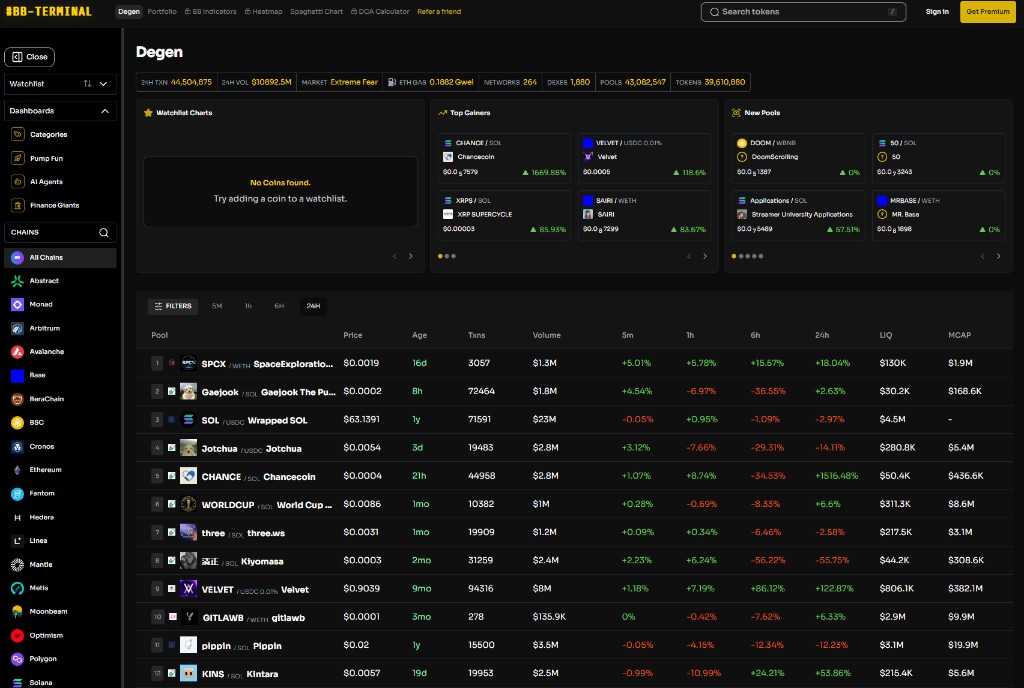
Real-time pool data across every chain you care about. Market stats, top gainers, new pools, and sortable tables — all in one terminal view.

  • Multi-chain pool discovery
  • Watchlist charts & live market stats
  • Top gainers & new pools at a glance
BB Terminal Degen dashboard with pools, top gainers, and new pools

02 / ASSETS

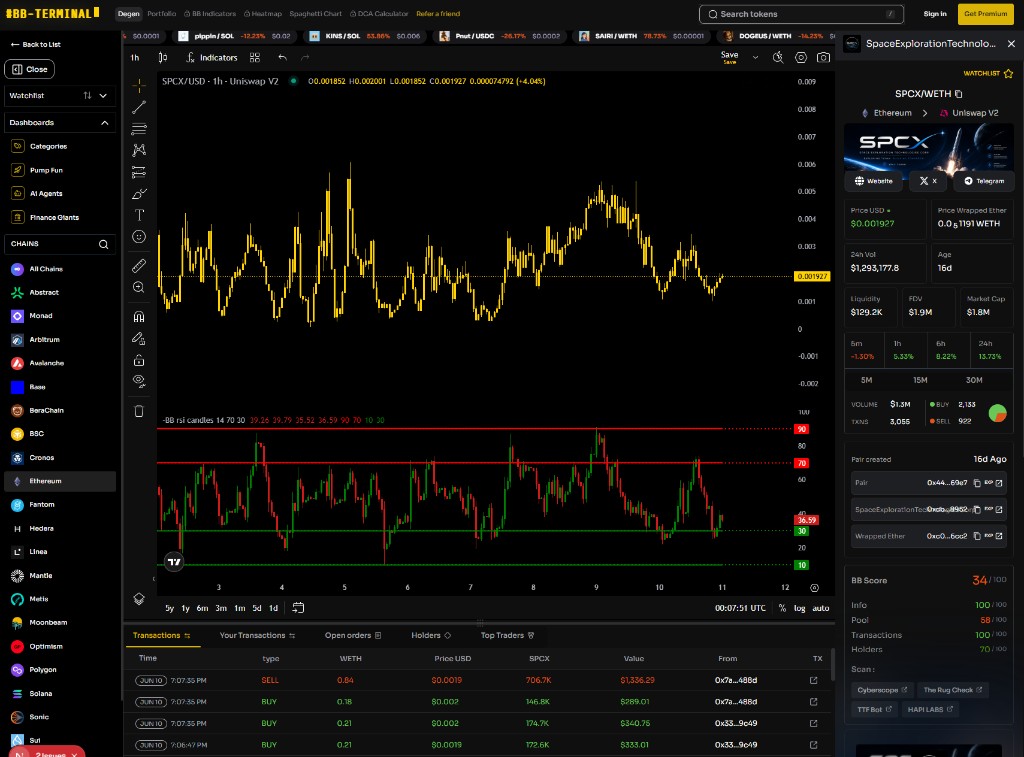
Drill into any token.

Yellow-black chart templates, RSI indicators, transaction feeds, and a full token sidebar with price, liquidity, BB Score, and security scans.

  • Onchain charts with custom templates
  • Live transaction feed
  • BB Score & security scan tools
BB Terminal asset view with chart, transactions, and token sidebar

03 / PORTFOLIO

Your bags. One view.

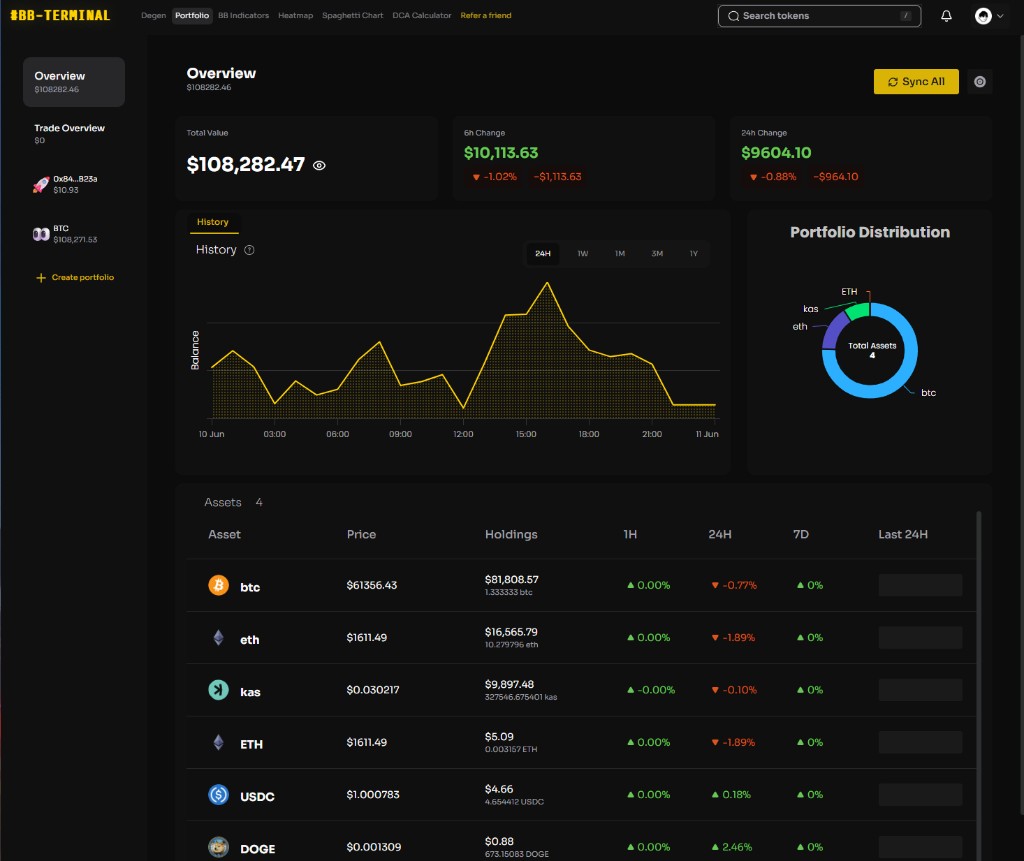
Track holdings, performance, and exposure across wallets without bouncing between spreadsheets and five different dashboards.

  • Unified portfolio tracking
  • History charts & asset breakdown
  • Multi-wallet support
BB Terminal portfolio overview with assets and history chart

04 / HEATMAP

See where liquidity lives.

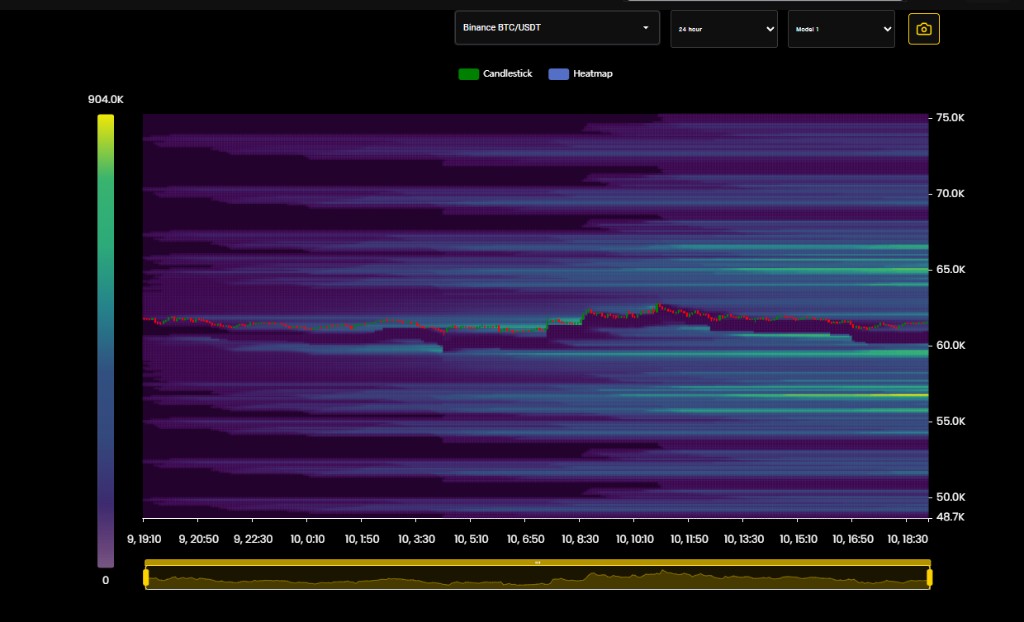
Liquidation heatmaps layered over candlesticks so you can spot crowded trades, pressure zones, and where price is likely to hunt next.

  • Liquidation heatmap overlays
  • Multi-exchange pairs
  • Premium analytics layer
BB Terminal liquidation heatmap for BTC/USDT

$ bb-terminal --launch

Ready when you are.

Skip the signup funnel theater. Jump straight into degen charts, portfolio, and heatmaps — the way a terminal should work.

Let's go